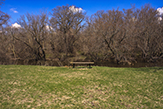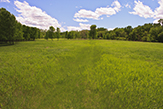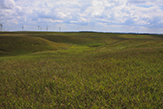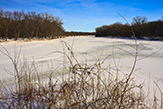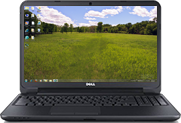



These wallpapers are free for personal use. The eleven sizes supplied include the ten most common desktop, laptop, and iPad screen resolutions used in 2013.
The quickest method is to click on the desired photo, right-click on the image that appears, and then select Set as desktop background from the pop-up menu.
For best results, download a file that exactly matches the screen resolution of your monitor, laptop, or iPad, save it to your computer or device, and install the saved file. If your screen resolution is not shown, then select one that matches as closely as possible.
To preview a wallpaper, click on the image.
To download a wallpaper, right-click on the appropriate size in the left column, click Save Target As…, navigate to an appropriate location on your computer or device, and click Save.
To install a wallpaper (in Windows 7), simply right-click on the downloaded file and select Set as desktop background from the pop-up menu.
Check back later. New wallpapers are added frequently. |